Getting Started with pi, an Extensible AI Agent Harness

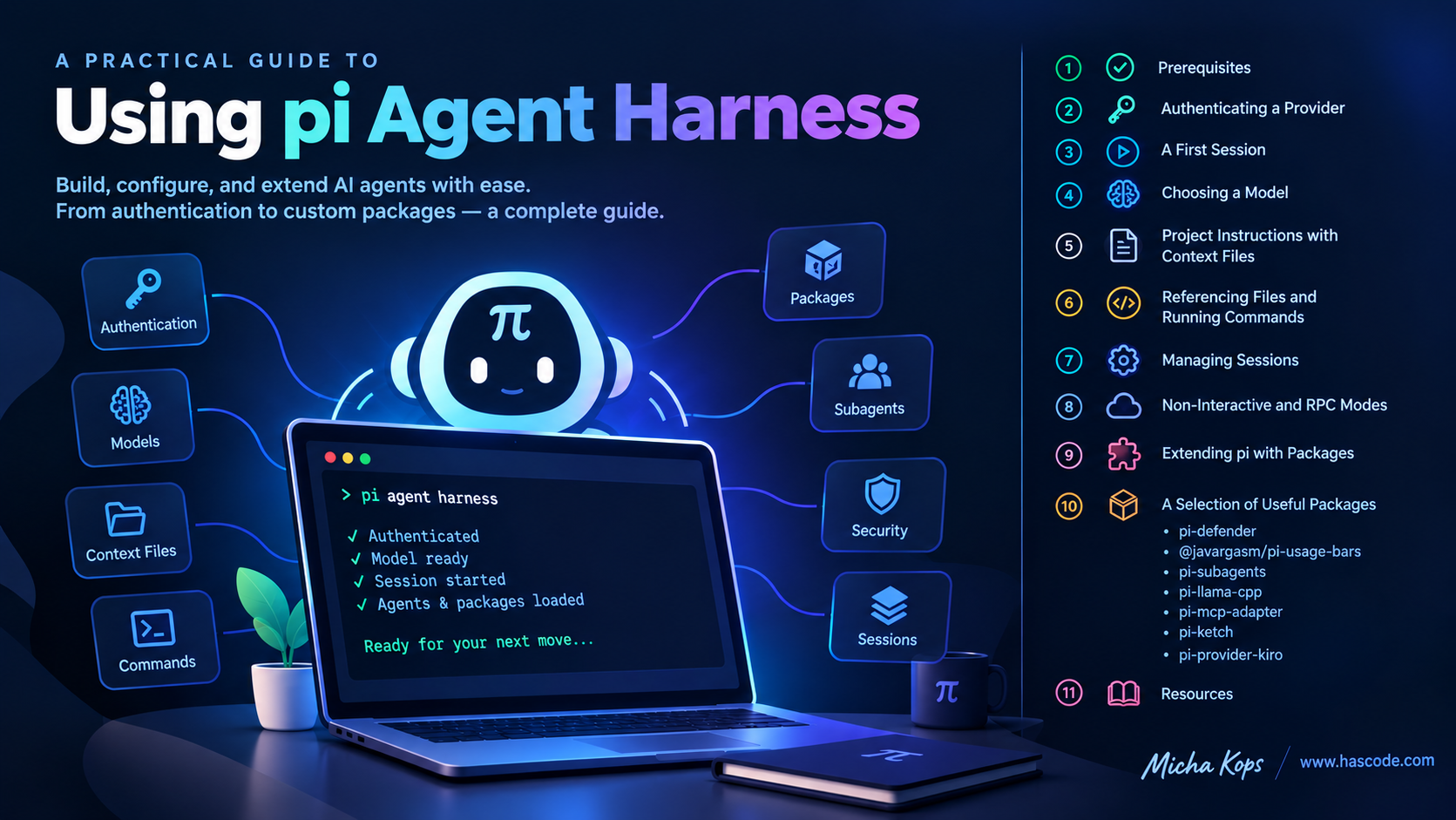
Figure 1. pi agent harness cover image AI coding agents have moved from the browser into the terminal, right next to the tools we already use every day. pi is such an agent: a fast, terminal-native coding assistant that reads and writes files, runs shell commands and talks to a range of LLM providers – all from within your project directory. What makes pi interesting is that it is scriptable and extensible. Besides its interactive TUI it offers a non-interactive mode for one-shot prompts and an RPC mode for embedding it into other tools, and it can be extended with custom tools, skills, prompt templates and themes packaged and shared through npm or git. ...
September 2, 2026 · 21 min · 4303 words · Micha Kops

Managing Development Tools, Runtimes and Environments with mise

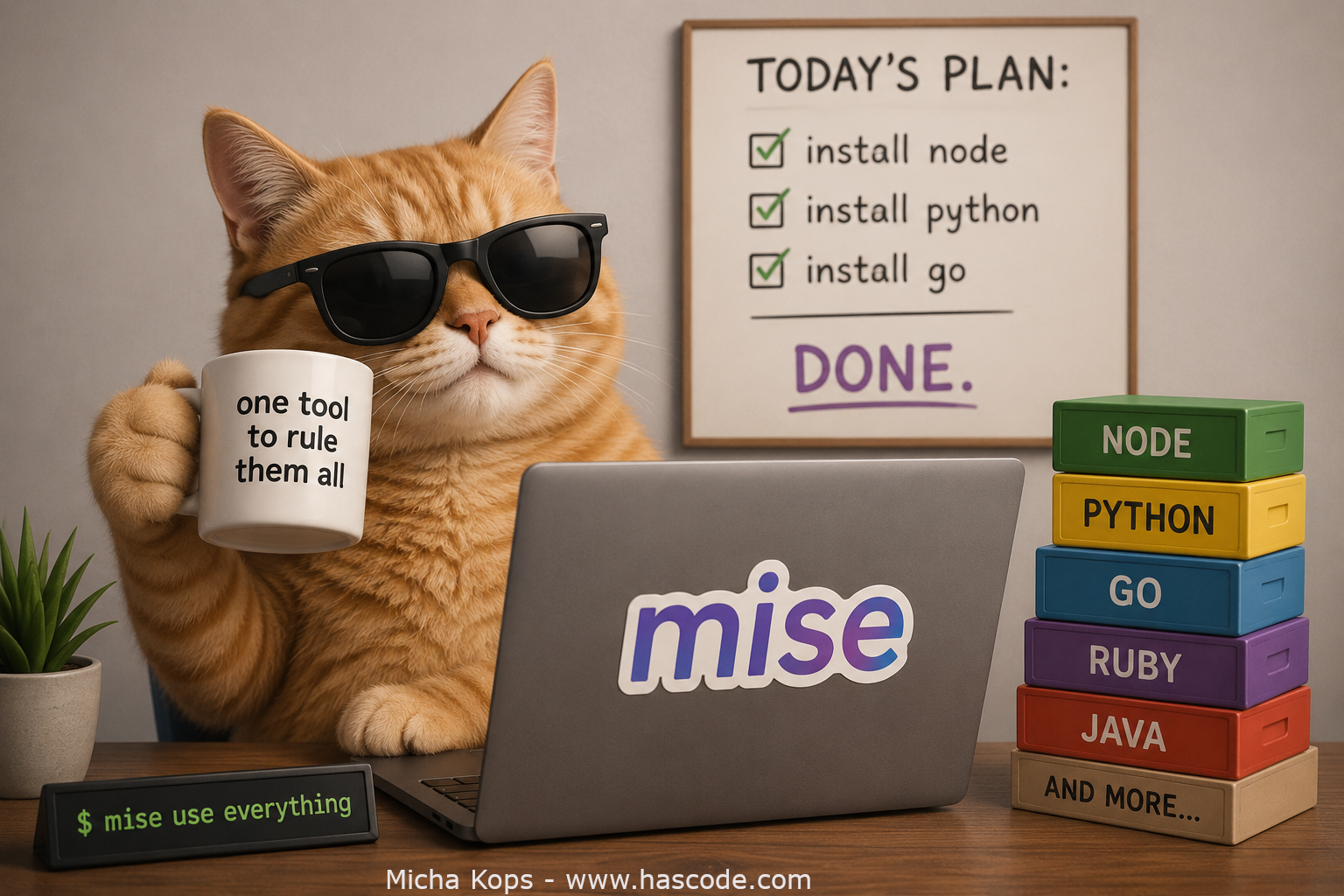
Figure 1. Mise Cover Image Managing different versions of programming languages and command-line tools across projects is a recurring pain. One project needs Node 18, another Node 22, a third pins Python 3.11 while your system ships 3.12. Traditionally we solved this with a zoo of single-purpose version managers like nvm, pyenv, rbenv, sdkman or asdf. mise (pronounced "meez", short for mise-en-place) replaces all of them with a single, fast tool written in Rust. It manages tool versions, per-project environment variables and project tasks – roughly asdf + direnv + a task runner in one binary. ...

August 26, 2026 · 5 min · 856 words · Micha Kops

Orchestrator Agent with Parallel Sub-Agents in Kiro CLI

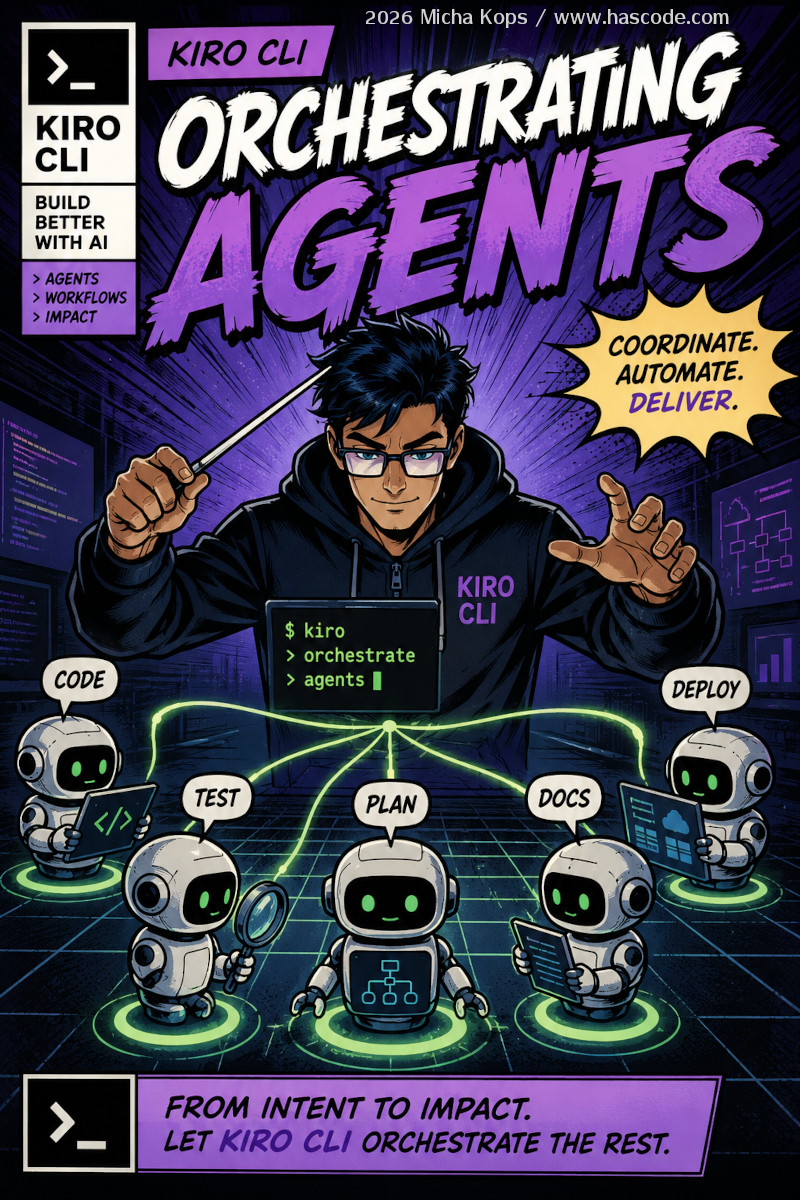
Figure 1. kiro orchestrator agents Overview Kiro CLI allows us to configure an orchestrator agent that executes specialized sub-agents in parallel. Each sub-agent has its own tools, permissions, and MCP servers – the parent’s trust settings are not inherited. Architecture Figure 2. Agents flow Step 1: Define Specialized Agents We give each sub-agent its own JSON configuration under .kiro/agents/. .kiro/agents/code-agent.json { "name": "code-agent", "description": "Implements features and writes code", "prompt": "You are an experienced Kotlin/Java developer. Write clean, tested code.", "tools": ["read", "write", "shell", "code", "grep"], "allowedTools": ["read", "code", "grep"], "toolsSettings": { "write": { "allowedPaths": ["./src/**", "./tests/**"], "deniedPaths": ["./.env", "./secrets/**"] }, "shell": { "allowedCommands": ["mvn test", "mvn compile"], "autoAllowReadonly": true } } } ...

July 2, 2026 · 4 min · 790 words · Micha Kops

Terminal Based Progress Bar for Java Applications

Recently I needed to add a progress bar to a Java based terminal/console application and I used a specific library that I’d like to demonstrate in the following snippet. Figure 1. Terminal based Progress Bar for Java Dependencies Using Maven, we just need to add the following dependency: pom.xml <dependency> <groupId>me.tongfei</groupId> <artifactId>progressbar</artifactId> <version>0.7.3</version> </dependency> Sample Application The application shows how to set up the progress bar and how to advance its status by-one, by a given amount or to a specific number. ...

March 31, 2019 · 2 min · 242 words · Micha Kops

AWS Snippets

AWS Command Line Interface Installation $ curl "https://awscli.amazonaws.com/awscli-exe-linux-x86_64-2.0.30.zip" -o "awscliv2.zip" unzip awscliv2.zip sudo ./aws/install AWS Documentation RDS Export Database Configuration Export instance configuration aws rds describe-db-instances --db-instance-identifier arn:aws:rds:eu-central-1:123456789:db:hascode-prd-db --no-paginate Export parameter group configuration aws rds describe-db-parameters --db-parameter-group-name PARAM_GROUP_NAME >> param_group_conf.json Export option group configuration aws rds describe-option-groups --option-group-name OPT_GROUP_NAME >> option_group_conf.json Generate Signed URLs with Linux Tools e.g. for accessing a website behind a CloudFront distribution using a canned policy. Write the policy file ...

March 1, 2018 · 2 min · 407 words · Micha Kops

Creating Microservices with Bootique

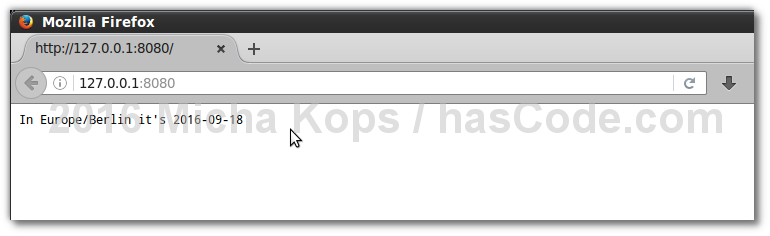
When it comes to writing microservices in Java, plenty of tools and frameworks exist. In the following tutorial, I’d like to demonstrate another minimalistic framework called Bootique by implementing a simple microservice exposing its functions either as a RESTful web-service or as a runnable command executed using the command line. Bootique Command Line Dependencies Using Maven here, we’re adding the following elements to our project’s pom.xml: Bootiques Bill of Materials as dependency management: bootique-bom Bootique Jersey for our REST service: bootique-jersey Bootique Logback for logging: bootique-logback Maven Shade Plugin to assemble our fat-jar ...

September 18, 2016 · 6 min · 1070 words · Micha Kops

Maven Snippets

Extract Coordinates from the POM Helpful for build and integration environments, pipelines etc. Exctract the Project version from the pom.xml mvn org.apache.maven.plugins:maven-help-plugin:3.1.0:evaluate -Dexpression=project.version -q -DforceStdout Override a Property via local configuration e.g. to override the property xxx from your project’s pom.xml Create a directory .mvn in your project directory root Create a file named maven.config in this directory Insert -Dxxx=newvalue into the file to override this property Don’t forget to add .mvn to your .gitignore! ...

March 1, 2010 · 3 min · 570 words · Micha Kops

Rust Snippets

Installation Installing rustup first…​ install rustup via shell script curl --proto '=https' --tlsv1.2 https://sh.rustup.rs -sSf | sh install rustup via brew brew install rustup-init (1) rustup-init (2) Welcome to Rust! [...] Current installation options: default host triple: aarch64-apple-darwin default toolchain: stable (default) profile: default modify PATH variable: yes 1) Proceed with standard installation (default - just press enter) 2) Customize installation 3) Cancel installation 1 install rustup 2 install rust binaries and add them to paths etc…​ ...

March 1, 2010 · 1 min · 111 words · Micha Kops